

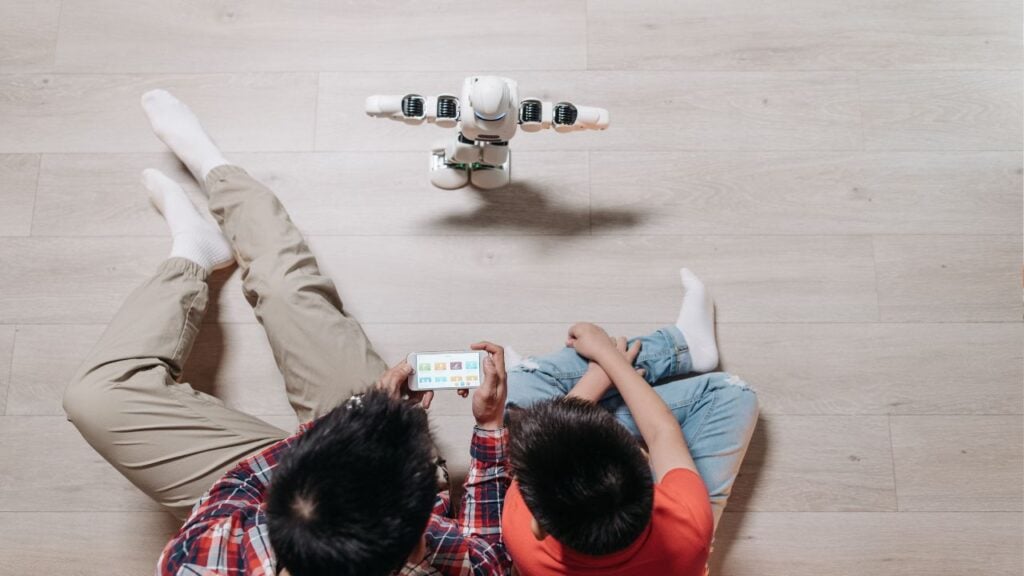
Your 9-year-old wants to know why the sky is blue or how to spell “necessary.” But they get half-distracted, wondering whether the chatbot can be their friend. This last one gets several parents cold.
Chatbots now live inside homework apps, phones and games. Kids find them quickly. They answer at once, never get tired and never say “not now.” They are also likely to get things wrong and sound sure of themselves even when they’re guessing.
Banning them rarely works. So, here are five questions that will help you know whether your child can use AI chatbot, whether seven or seventeen.
1. Is My Child Old Enough for This Tool?
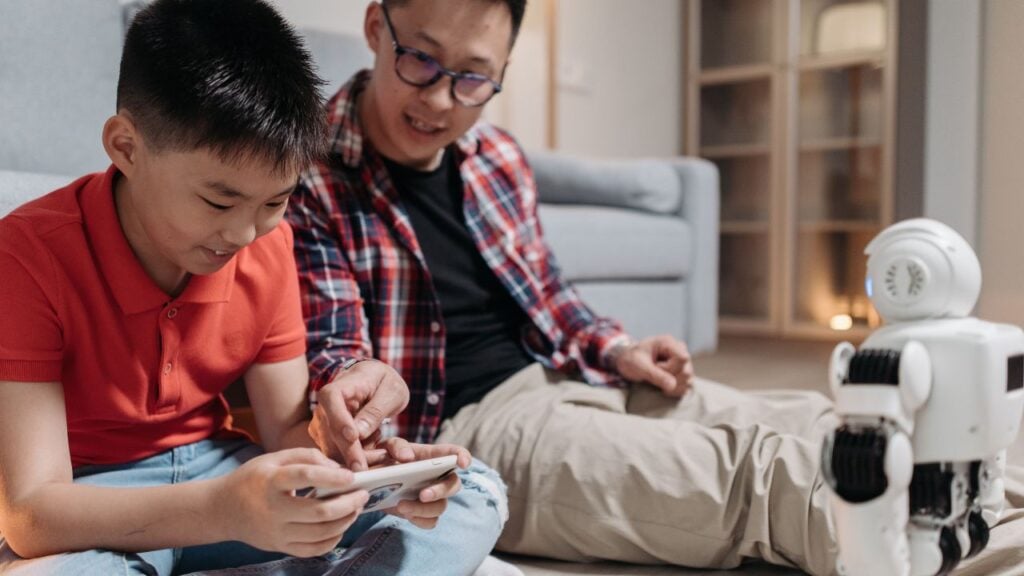
Most chatbots have a minimum age buried in their terms of use. Some say 13 while others say 18. A few let younger kids in with a parent’s permission. And hardly anyone reads this part. It takes about five minutes and tells you whether your child should have an account or not.
There are other reasons why age is important. A child at the age of seven will accept an explanation without challenging its validity. At 15 years of age, one will be willing to question the information presented and make a judgment.
Younger children need your presence. Teenagers need boundaries and open discussions. It is essential to activate kids’ mode or parental controls.
2. What Personal Details Will My Child Share?
A chat box feels private. Kids type into it like it’s a diary that happens to talk back. But many chatbots save conversations, and some companies read samples of them to improve their products. Open the privacy settings and find out what gets stored, for how long, and whether you can delete it.
Then set a few rules your child can remember. No full name, no home address, school name, phone number or passwords. Treat it like the old street-safety talk. If the app wants an email address to sign up, you can use yours.
3. Can My Child Spot a Wrong Answer?

Chatbots make mistakes, sometimes big ones. They invent facts, scramble dates and recommend books that don’t exist. Their tone sounds just as sure when it’s wrong as when it’s right. A child can’t hear doubt in a voice that never shows any.
Parents can try asking the chatbot about something they know well, like their hometown or a food recipe. When the chatbot slips, point it out. Kids remember that moment. You can give them one habit to carry around. Like checking anything important in a book, with a teacher or on a website you trust.
4. What Will it Do to My Child’s Learning?

At nine in the night, a chatbot can explain fractions five different ways. That’s genuinely handy. It can also write a full essay in ten seconds. That’s where trouble starts.
Learning needs a bit of struggle. A child who copies answers skips the part where the brain does the work. So ask your child’s teachers what the school allows, since many schools now have clear rules. Then add your own. Let the chatbot explain a topic, quiz your child, or give feedback on a draft they wrote. Don’t let it finish the assignment.
5. What Happens When My Child Feels Upset or Confused?
Some kids take big feelings to a chatbot. It listens without judging and replies quickly. That might feel safe. But a chatbot isn’t a friend, a doctor or a counselor. It can give bad advice. It can agree with a bad idea just to be agreeable. It can wander into subjects you’d never choose for your child.
Tell your child if a chat gets strange, scary or upsetting, they should close it. A child who expects punishment hides things, but a child who feels safe talks.
It is a necessary step to ensure that younger children use the device in common areas such as the living room. You can go through the chat history from time to time. And if your child leans on a chatbot for comfort, pay attention.
Discuss the chatbot usage with your child and understand what they pursue from AI. Make some family regulations and even write them down if necessary. These technology tools will continue to evolve, just as your child. And so should your guidelines.

