

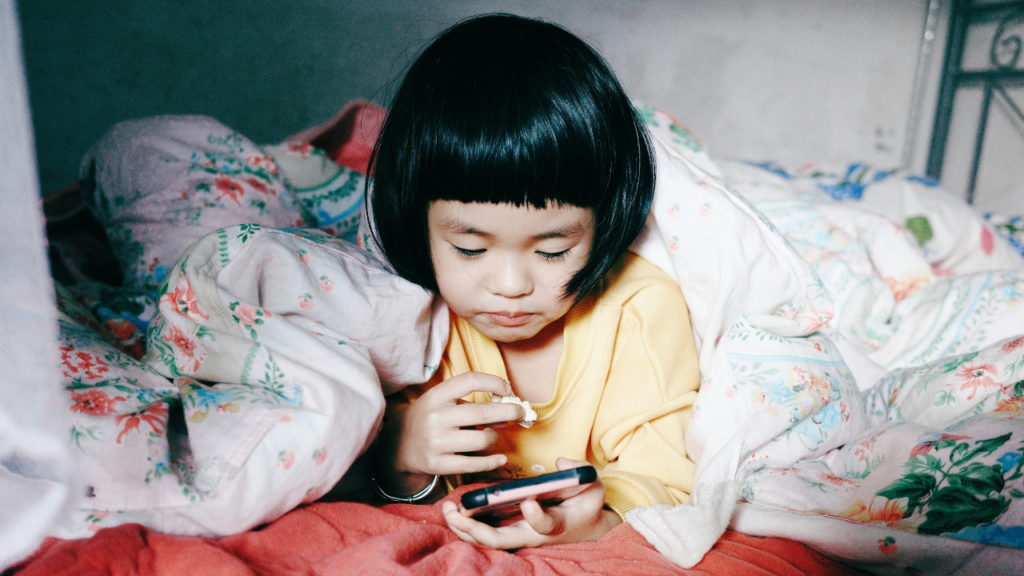
Smartphones give kids a convenient way to communicate, learn and capture memories, but their cameras can also create privacy concerns. For parents, limiting camera access can be one part of a broader strategy for helping children stay safer online.
A smartphone camera can capture far more than a child intends, particularly when photos and videos are shared through social media, messaging apps or games. Parents concerned about privacy may therefore choose to disable camera access when their child doesn’t need it.
There are also concerns about apps requesting camera permissions unnecessarily. If an app doesn’t genuinely need the camera to work, parents can question why it has access and consider removing that permission.
Turning off the camera isn’t a replacement for teaching children about online safety. Instead, it can provide an additional layer of protection while parents teach kids to think carefully about what they photograph, record and share.
How to Turn Off a Child’s Camera
The exact process depends on the child’s device and operating system. On iPhones and iPads, parents can use Screen Time and content restrictions to prevent camera access, while Android devices allow parents to manage camera permissions through privacy and app settings.
Parents should also check individual app permissions rather than assuming that disabling one setting controls everything. Apps can request access to a device’s camera, microphone, photos and other information, so reviewing permissions regularly can reveal access a child doesn’t need.
For younger children, parents may want to manage these settings themselves. Older children and teens can be included in the process, helping them understand why certain permissions are restricted and when camera access may be appropriate.
Protecting Your Child’s Online Privacy
Turning off a camera is only one piece of protecting children’s privacy. UNICEF recommends checking devices regularly, keeping software updated and reviewing privacy settings to control what information—including photos and location data—is collected and shared.
Parents should also review the permissions requested by apps, games and social platforms. UNICEF advises parents to “disable or limit” permissions that seem excessive or inappropriate for a child’s age and development.
Perhaps most importantly, parents should talk with children about their digital footprint. UNICEF warns that “once something is shared on the internet, it can be impossible to remove it,” making conversations about photos, personal information and responsible sharing especially important.
Parents can make privacy part of an ongoing family conversation rather than a one-time set of restrictions. As children get older, involving them in privacy decisions can help them develop the skills they’ll eventually need to protect themselves independently.

