


Parents and caregivers can protect children from online scams by learning which games, applications and chats their kids use and by setting clear rules before trouble starts.
The risk sits wherever children spend time online: games, social media, group chats, texts and email. That’s where scammers build trust, create urgency and push kids to hand over personal information.
Six steps help, from checking an app’s privacy settings to knowing what to do if a child’s information is misused. Families can start on any of them today.
1. Learn What Your Child is Using
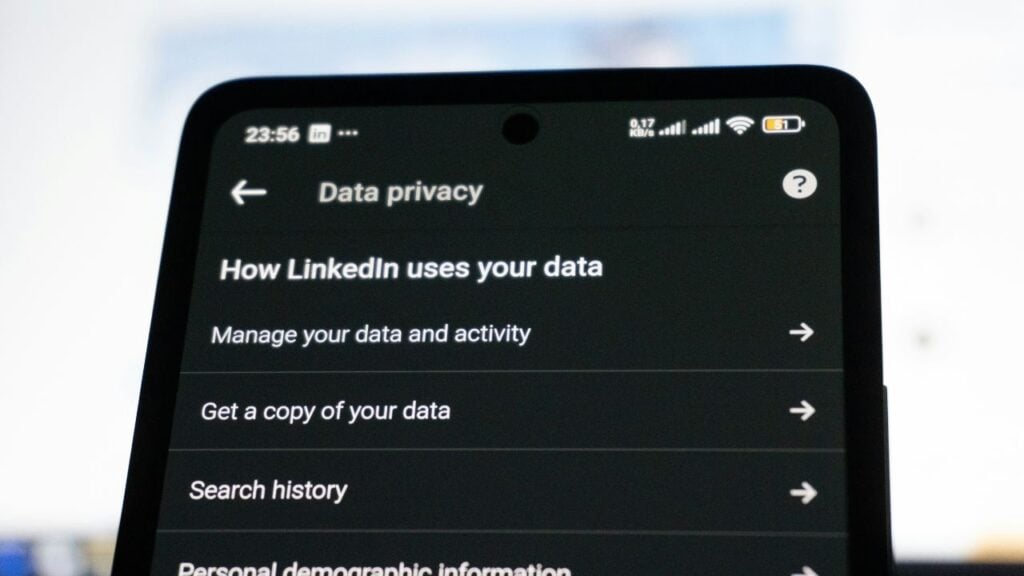
Start by understanding how the game or app actually works, as the privacy settings will tell you so much more than the download page ever could. Before your child installs anything, check whether the app offers these protections:
- Controls that restrict who can contact your child.
- Separate modes for adults and kids.
- An option to turn off direct and private messaging.
Be very careful with any app that enables one-on-one messaging from people your child doesn’t know. The U.S. Federal Trade Commission (FTC) also has online safety resources for parents who want to go further.
2. Talk About Scams in Plain Terms

Kids are often very comfortable with technology, so they may not see the trick. Use the sorts of comparisons they’re already familiar with. You wouldn’t give your house address to a stranger at a bus stop and a game chat is no different.
Tell them to come and see you straight away if a message or request ever feels odd or uncomfortable.
With the teens, go through a suspicious email or text together. Highlight the usual red flags such as an unfamiliar sender, a request for personal details, pressure to act and more.
3. Use Parental Controls and Watch for Changes

Parental control software can limit screen time, restrict downloads and monitor your child’s online activity. However, it can only catch a fraction of what’s happening. A child’s behavior is often the biggest clue.
When your child starts mentioning a new online friend, becomes secretive about their device or won’t show you an app or message, that’s a red flag that something’s going on you should be aware of.
4. Teach Your Child to Pause

Scammers work on fear, excitement and pressure. Their aim is to get the child to click a link, send money or share information before you’ve had a chance to think.
The one thing you can teach your child is to stop before replying to any urgent or emotional message from a stranger.
A few minutes of simply stopping will take a huge amount of the power out of the scam and it gives your child the time to come and find you.
5. Tighten Up Password Habits

Every account should have its own password and no account should use something easily guessable, like a birthday or a pet’s name.
A reputable password manager makes that entirely feasible, as no one can be expected to remember dozens of strong passwords.
Remind the kids not to write their passwords anywhere where someone else can see them and not to share them with friends, not even close friends.
6. Know What to Do if Information Is Misused

Unexpected mail in a child’s name means someone is using their details. Watch for credit card offers, bills, collection notices and tax correspondence. If any of it shows up, act quickly:
- Contact the three main credit bureaus to find out whether a credit file exists in your child’s name and to ask about placing a credit freeze, if appropriate.
- Report any misuse of your child’s SSN to the Social Security Administration, and contact the IRS if you receive any tax-related correspondence.
- Call the fraud department at any company that sends a bill or a collection notice in your child’s name.
- Consider filing reports with local police and with the FTC.
Online games and social platforms can be fun and even useful. They can also expose children to people who aren’t who they seem.
Being involved, setting the right expectations and teaching kids to spot warning signs makes a huge difference.

